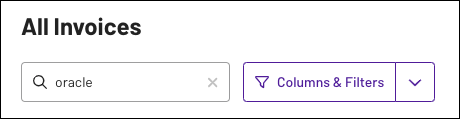
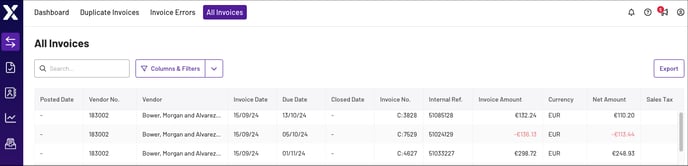
The All Invoices tab displays a table of your organisation’s uploaded invoices, which contains information such as due date, invoice number, invoice amount, and more. To more easily navigate and assess your invoices, you can:
- Add or remove information columns from the table
- Filter displayed invoices by keyword or column value
- Export displayed invoices. To learn more, see Copy and Export Table Information (coming soon).
To learn more about managing and filtering tables, see Tutorials and Guides (coming soon).
Note: The All Invoices tab is populated with information from your daily invoice file, which is sent every 24 hours. If an invoice doesn’t appear in the All Invoices tab, either the invoice wasn’t in the file or Xelix didn’t receive the file.
Navigate the All Invoices Tab
The All Invoice tab includes the following search and filter controls:
- Search bar: Search for keywords or values in the table
- Columns & Filters: Add or remove information columns from the table, and filter results by column. To learn more, see Columns in the All Invoices Tab.