
The Transaction Dashboard enables you to do the following to customise your dashboard’s report layout:
- Move Reports: Reorder the location of reports
- Resize Reports: Change the sizes of reports
Note: Dashboard layouts are specific per user.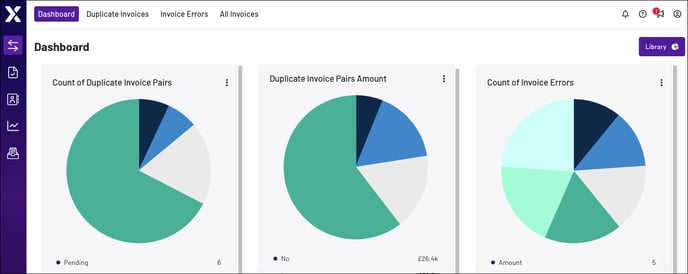
Move Reports
The Transactions Dashboard enables you to drag-and-drop reports to almost any location within a grid, which automatically snaps reports into the nearest row and column. The dashboard’s snap-to-grid feature prevents reports from overlapping.
Note: There is currently no way to reset the dashboard to the default organisation.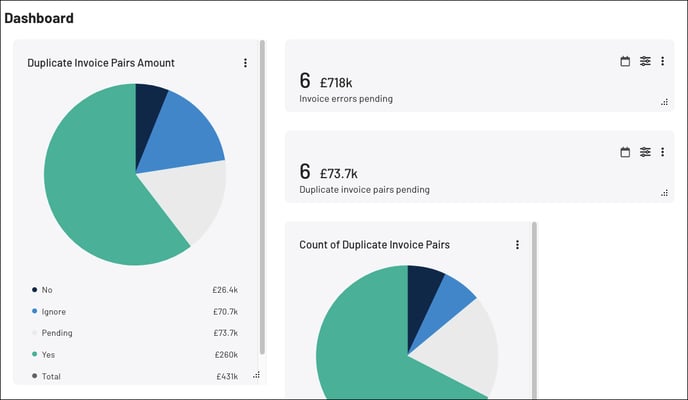
Resize Reports
To resize any report, drag-and-drop the resize icon at the bottom-right corner of the report: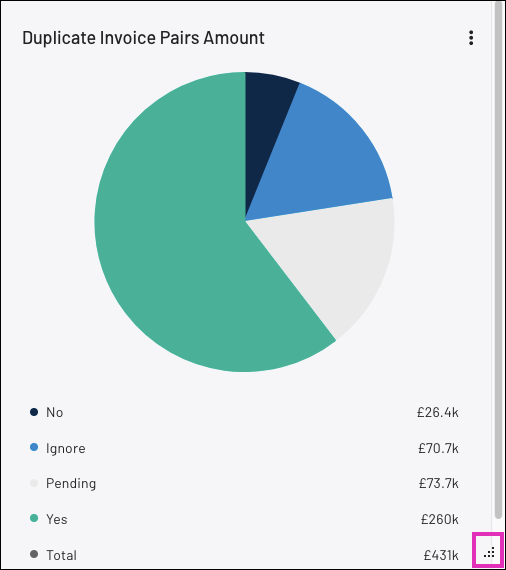
Note: Reports have a minimum size. If you shrink the report beyond this minimum, the report automatically resizes to the full width of the dashboard.