The All Vendors section of the Vendors module gives you a detailed overview of
your supplier data. The columns on this page display data pulled from your ERP
system and workflow tools.
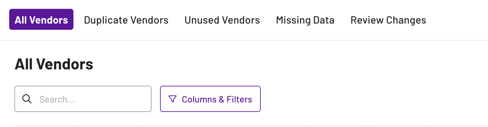
You can customise the columns shown on all pages within the Vendors module by
clicking on the ‘Columns & Filters' button located on the left-hand side, next to the
search bar
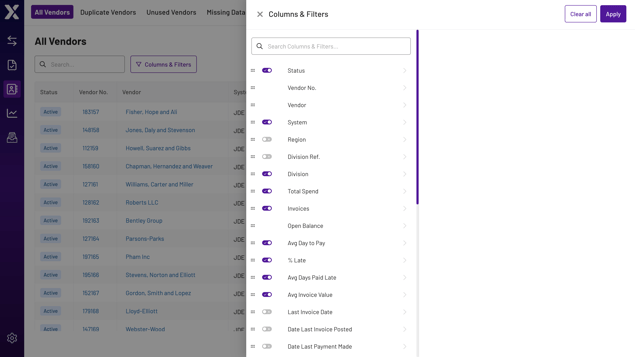
Within the Columns & Filters drawer, you are then able to toggle on/off each of the
different fields. You can also change the order of the columns by dragging the fields
up or down. (Don’t forget to click ‘apply’ to save any changes).
You can click through on any Vendor name/number, which will pop out a drawer
showing supplier data that we are receiving. This should include Vendor Address,
Telephone Number, Email, Bank Information, Company Registration No. and Tax ID.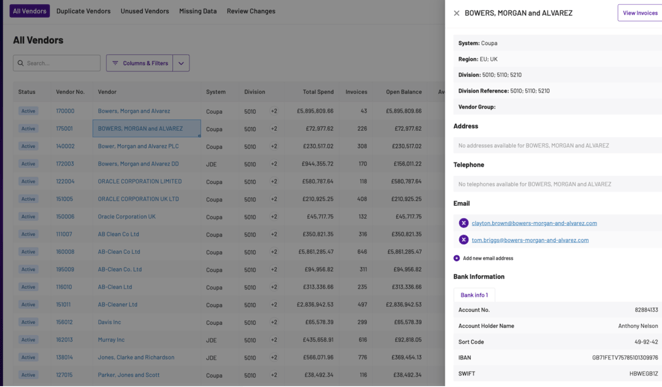
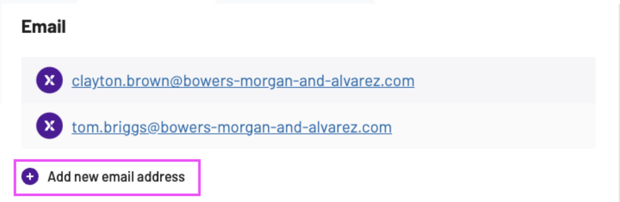
Adding in an additional email address
You can add an additional email address for a vendor, by using the Add new email address option within the Email section of the vendor details drawer: